
Sync, that's it
This weeks project was the first fully backend project of the year.
When I built Notes , I designed it to be offline first. I did this for a couple reasons, the first being that I wanted it to be immediately useful to any potential user, no login or landing page to navigate past. The app is the landing page. just pull it up and start typing.
But the one drawback to being offline first is that you can’t access your notes from another device and there are no backups. They’re locked-in to where you wrote them. So the obvious next step was to build a syncing service to enable multi-device support and cloud backups.
What it does
Put simply, it syncs and backs up your notes. When you login or create an account, notes makes a call to sync to notify that it has some notes that need to be backed up. Sync then takes these changes and merges them with its own copy of your notes. Currently it uses last write wins, but I’ll be updating it to use CRDTs which handle more complex changes. The next time you open notes on another device, Sync distributes the updates to that device.
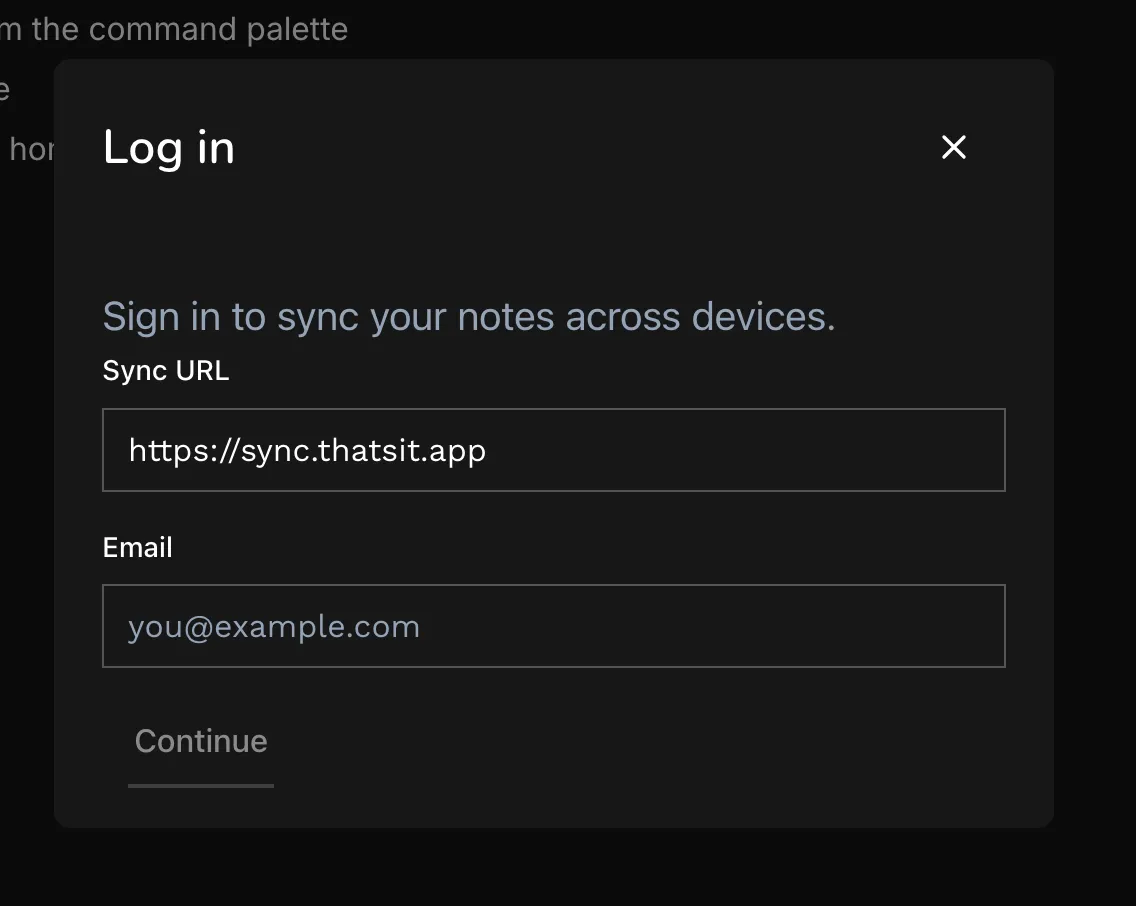
I’m no expert on local-first architecture, so I’m grossly over simplifying things. The core detail is that everything works offline, so if you have a bad network connection or your on a plane you can keep writing and rest assured that your notes will be backed up next time you have signal.
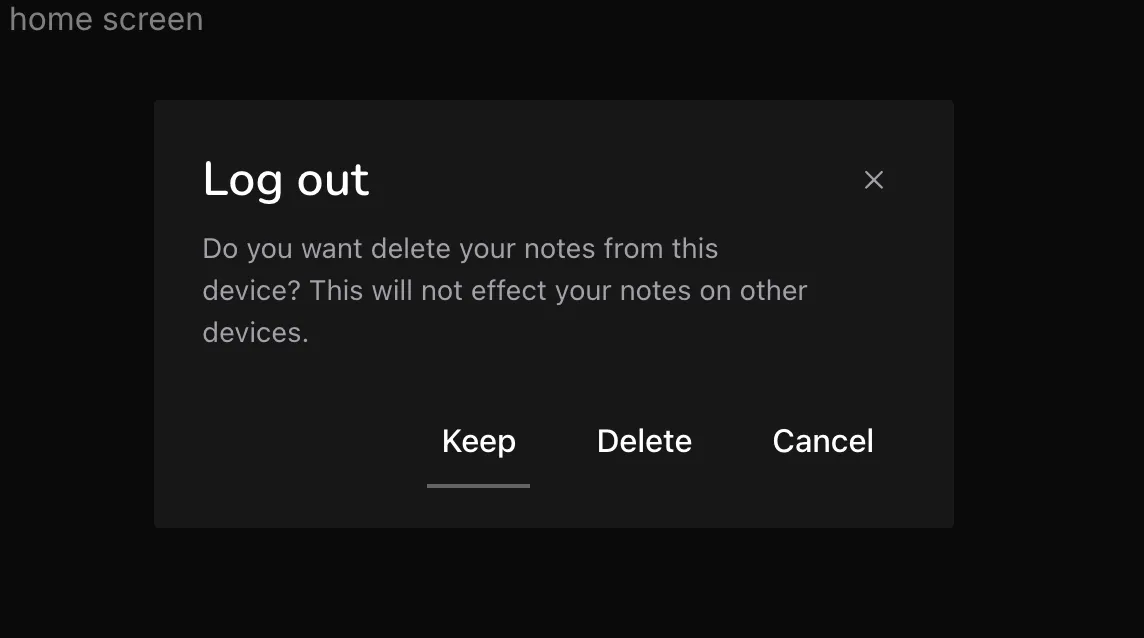
It also guarantees portability. If you logout of sync, you’re asked if you want to keep your local copy of your notes on that device. I included this option along with a URL field at login so if someone starts using sync but eventually decides they’d like to take a stab at hosting it themselves, they can! Note that this is a planned feature, I’m still dogfooding and auditing everything is running smoothly.
Thinking Ahead
One data layer, many faces
I’ve architected sync to act as a shared data layer between a handful of purpose-built apps. Each app shares the same backend, but represents and manipulates some or all of the data in a unique way.
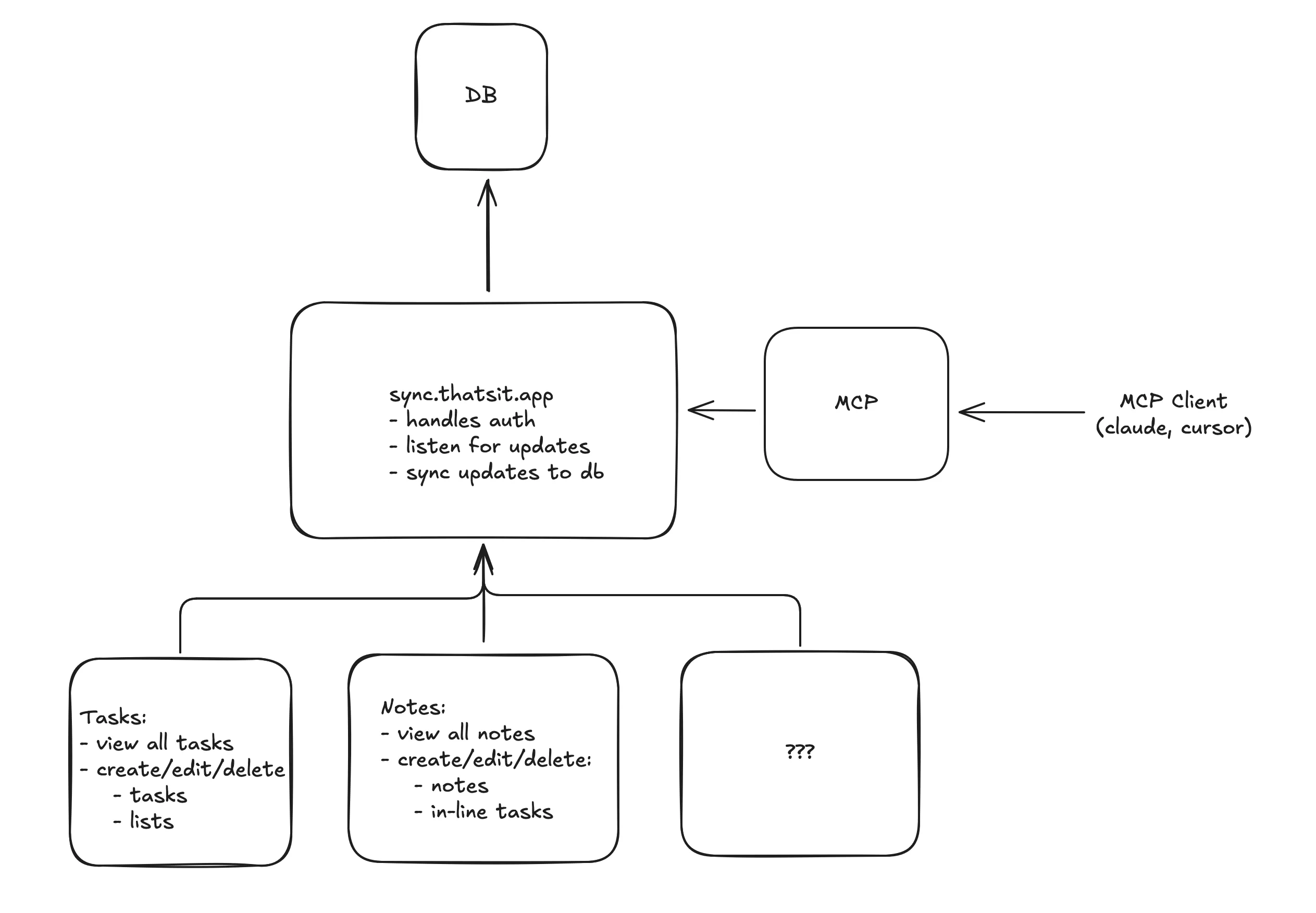
This will become immediately apparent with my next project, Tasks. There’s already a place in the database for tasks, and whenever you create a checklist in a note, these are parsed out and saved separately from the note itself. Tasks will allow you to view a consolidated list of open tasks created either in Notes or in tasks. This is a simple example, but will be even more powerful as I build out Spend for expense management and Fit for health tracking.
I have even more planned, so stay tuned!